THE ESSENTIALS BEFORE YOU START
- Check the vehicle, phone and adapter together before buying.
- Connect while parked, following the app’s instructions.
- A code identifies a detected problem; it does not automatically identify the part to replace.
Check all three parts of your setup
An OBD2 port does not guarantee access to every reading. Check the vehicle, adapter and phone together. Available information may vary by powertrain and vehicle systems.
- Note the exact model, year and powertrain.
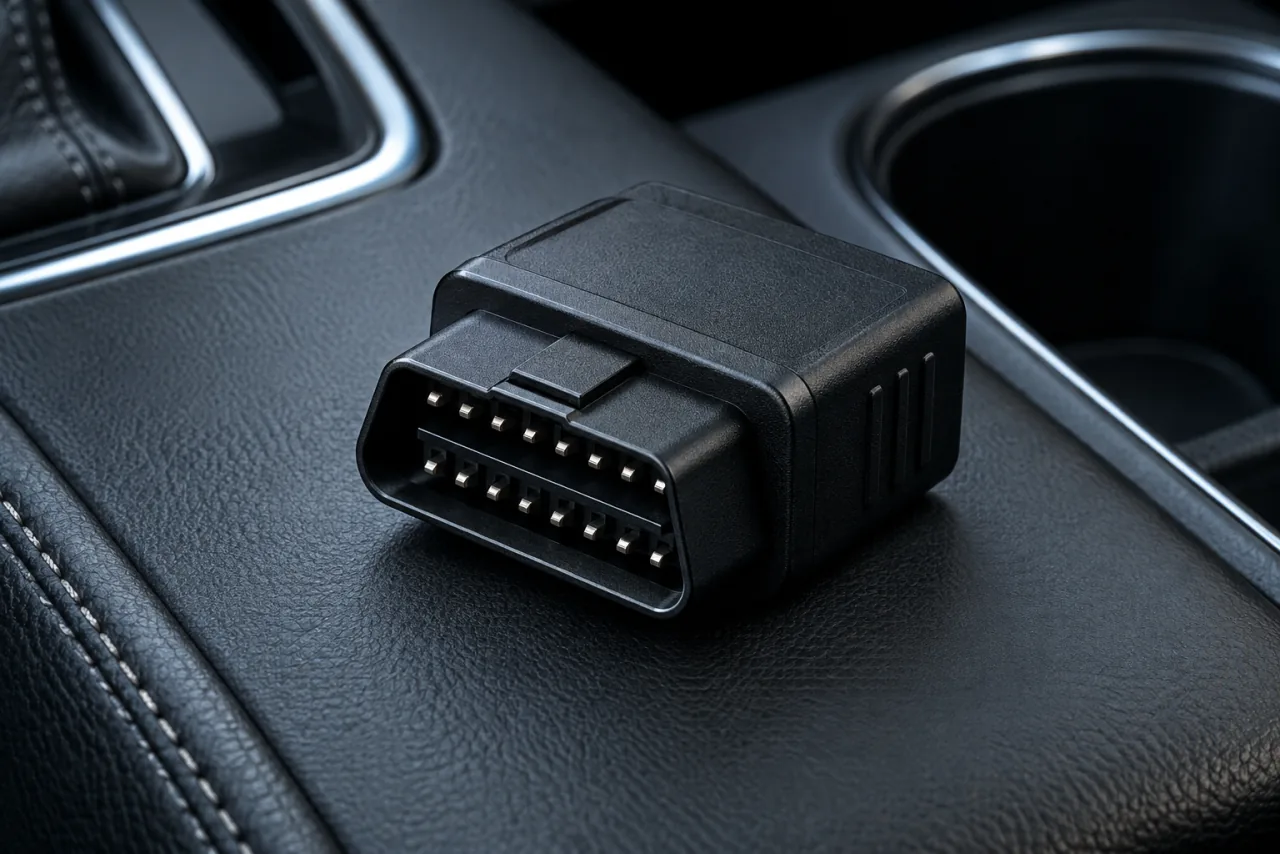
- Find the adapter model and connection method.
- Check that Car AI and your phone explicitly support it.
Connect your vehicle in Car AI
The app guides you through connecting the adapter. Follow its instructions and the adapter manufacturer’s guidance while parked. Once connected, check which readings actually appear on the dashboard.
IN PRACTICEConnected, but a reading is blank? First check the latest update and which data is actually supported. Do not confuse unavailable information with a vehicle fault.
Read the result in context
A reported fault is a clue to understand. In Car AI, read its explanation and displayed priority. Keep useful information to share with a professional. A code alone does not confirm which part needs replacing.
- Keep the exact fault code and description.
- Note when the warning light appeared and under what conditions.
- Ask what checks are needed to confirm the cause before replacing a part.
Keep a useful history
Find your vehicle’s diagnostics and information to follow changes over time. This history helps you explain what you have noticed during a workshop appointment.
IN PRACTICEPrepare a short record: the fault, date, symptoms and any recent repair invoice. These details help the professional understand the situation without starting from scratch.
Before the first reading
To read your car’s faults on an iPhone, you need Car AI, a compatible Bluetooth LE OBD2 adapter and a vehicle that exposes the relevant data. Enable Bluetooth and allow Car AI to use it in Settings > Privacy & Security > Bluetooth. A successful connection does not guarantee access to every control unit.
Find this information in the app.
Explore Car AI diagnostics