Featured vehicle
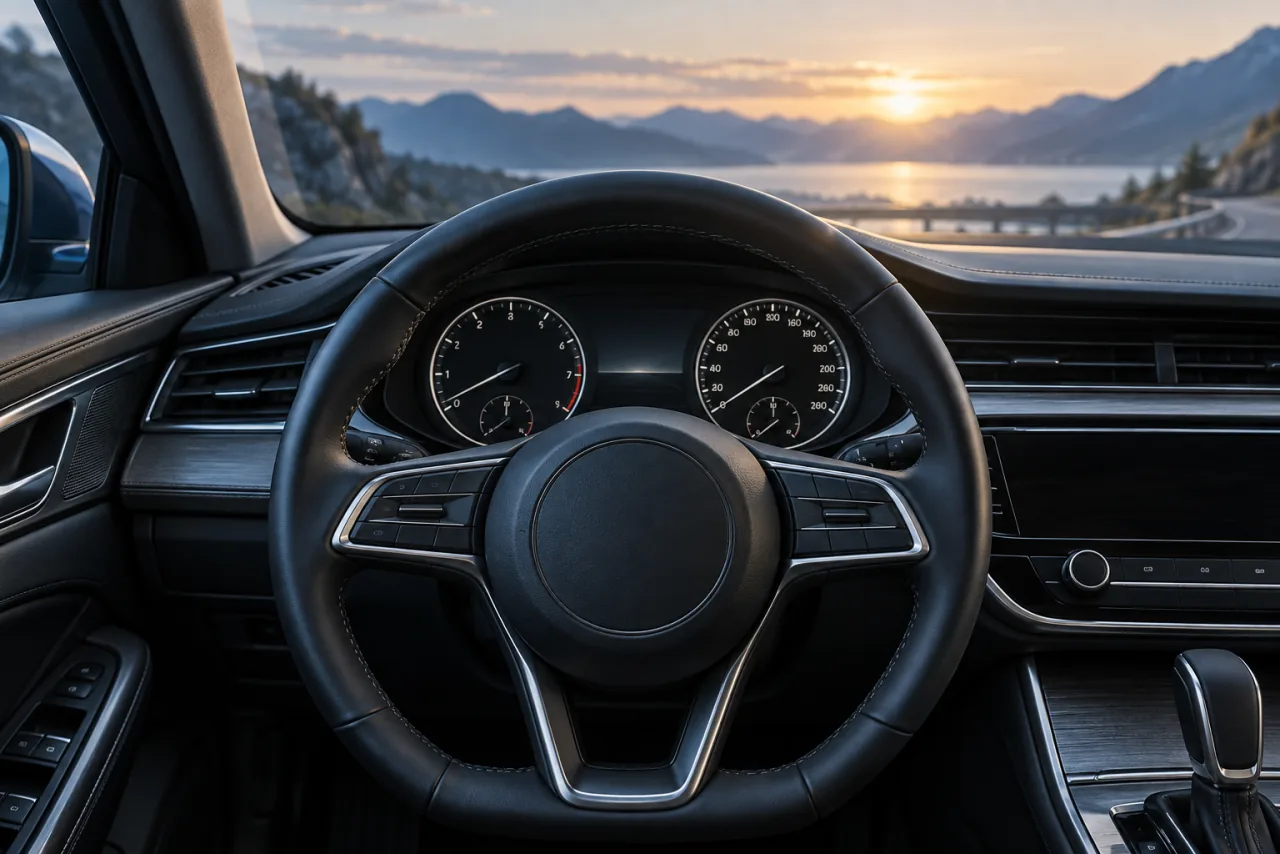
Volkswagen Golf GTE, plug-in hybrid
THREE PARTS. ONE CONNECTION.
Your vehicle, a compatible adapter and your phone. Here’s how they come together.
Compatibility depends on your exact setup.
BEFORE YOU CHOOSE AN ADAPTER
Tick the things you have already checked to prepare for your first connection.
VOLKSWAGEN · CAR AI
Volkswagen Golf GTE, plug-in hybrid
Fuel, charge, range and mileage in the app example.
Year, generation, powertrain, adapter model and the data actually received.
The Golf GTE is an app example, not a compatibility certification for every generation. For another car, send these details to the team before choosing an adapter.
Prepare my connectionThe ELM327 label alone does not describe an adapter’s quality or connection method. Check Bluetooth LE, iOS compatibility, supported protocols and sleep mode in its documentation. The 1996+ reference mainly concerns US-market light-duty vehicles; it is not a worldwide guarantee of Car AI compatibility.
EPA — understanding on-board diagnostics · See the setup guideREQUIRED ACCESSORY
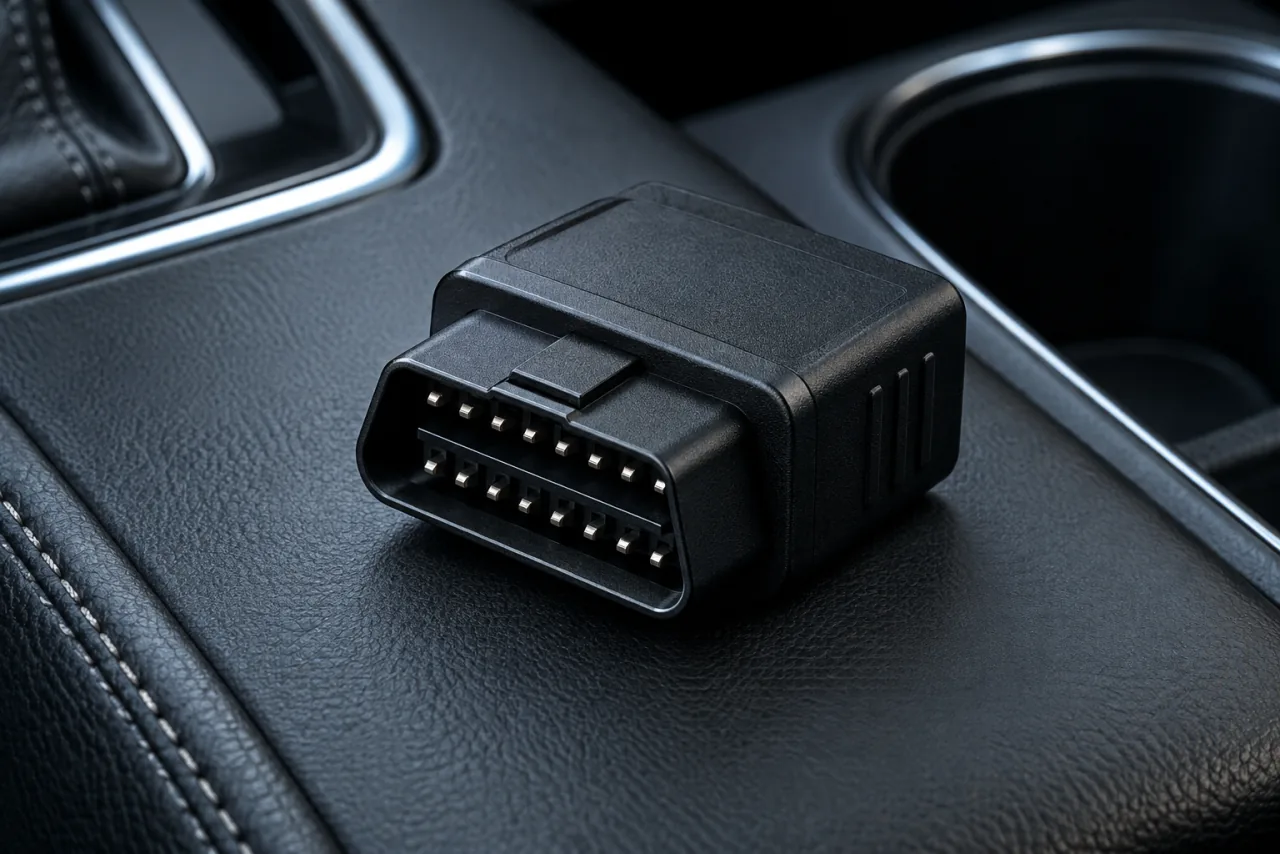
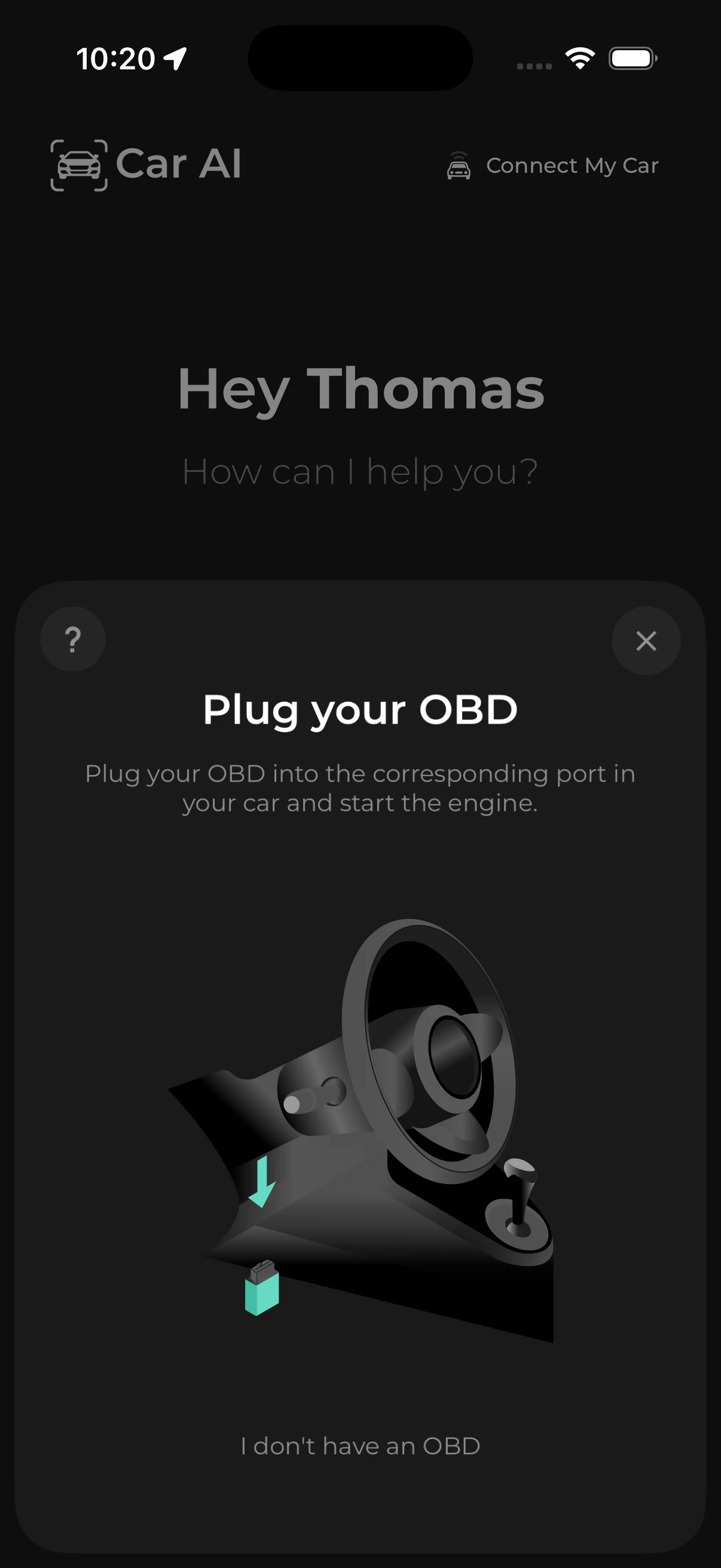
To access your car’s data with Car AI, choose a Bluetooth LE OBD2 adapter compatible with iOS and your vehicle’s protocols. Check the exact model and supported data before buying.
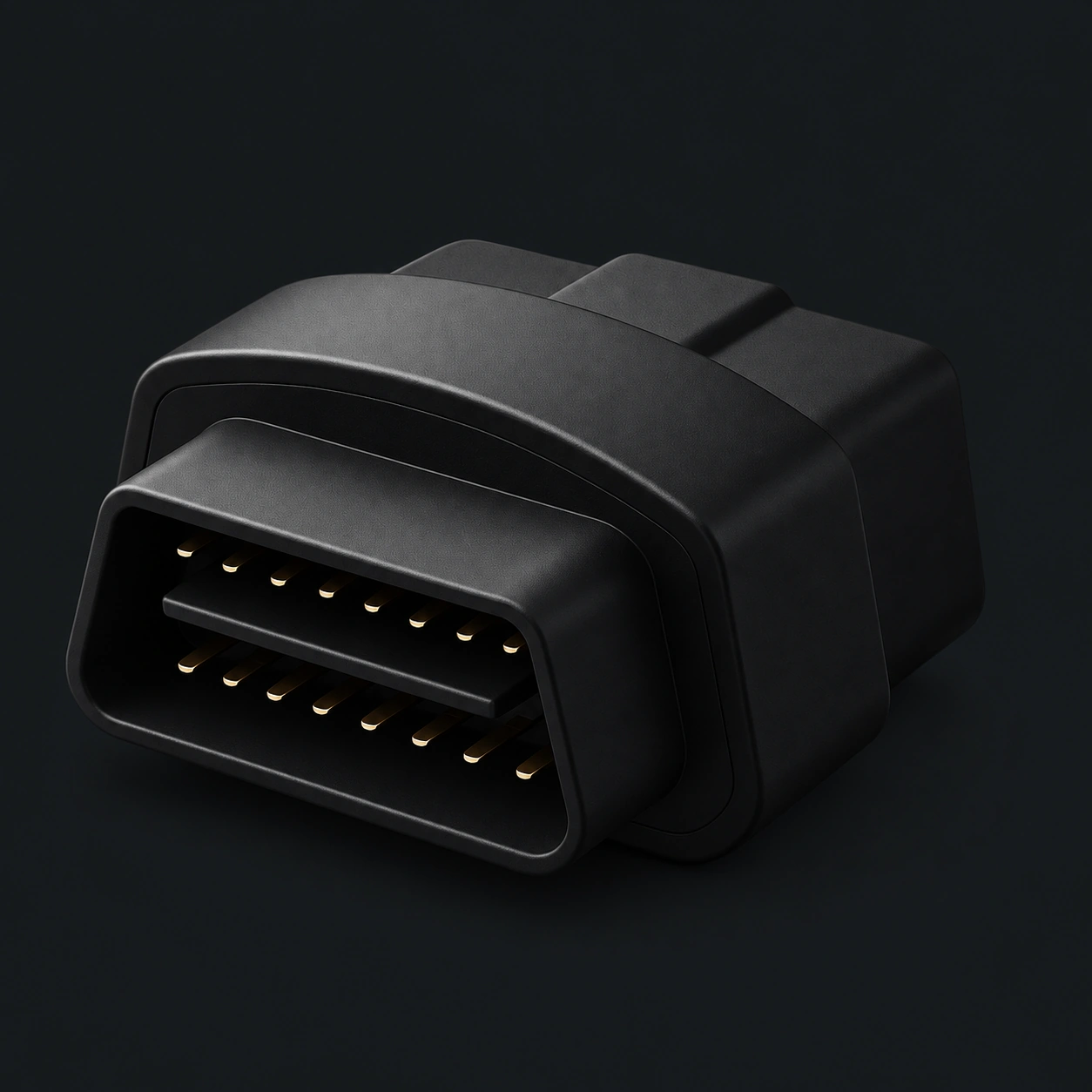
Wireless BLE connection
Depending on market and model
The link to your phone
With sleep mode
* The year alone does not guarantee compatibility. Check the model, powertrain and adapter in our compatibility guide.
SMALL ADAPTER. NEW PERSPECTIVE.
The OBD2 adapter connects your vehicle’s data to Car AI. Once connected, the dashboard comes to life with the information your car sends.
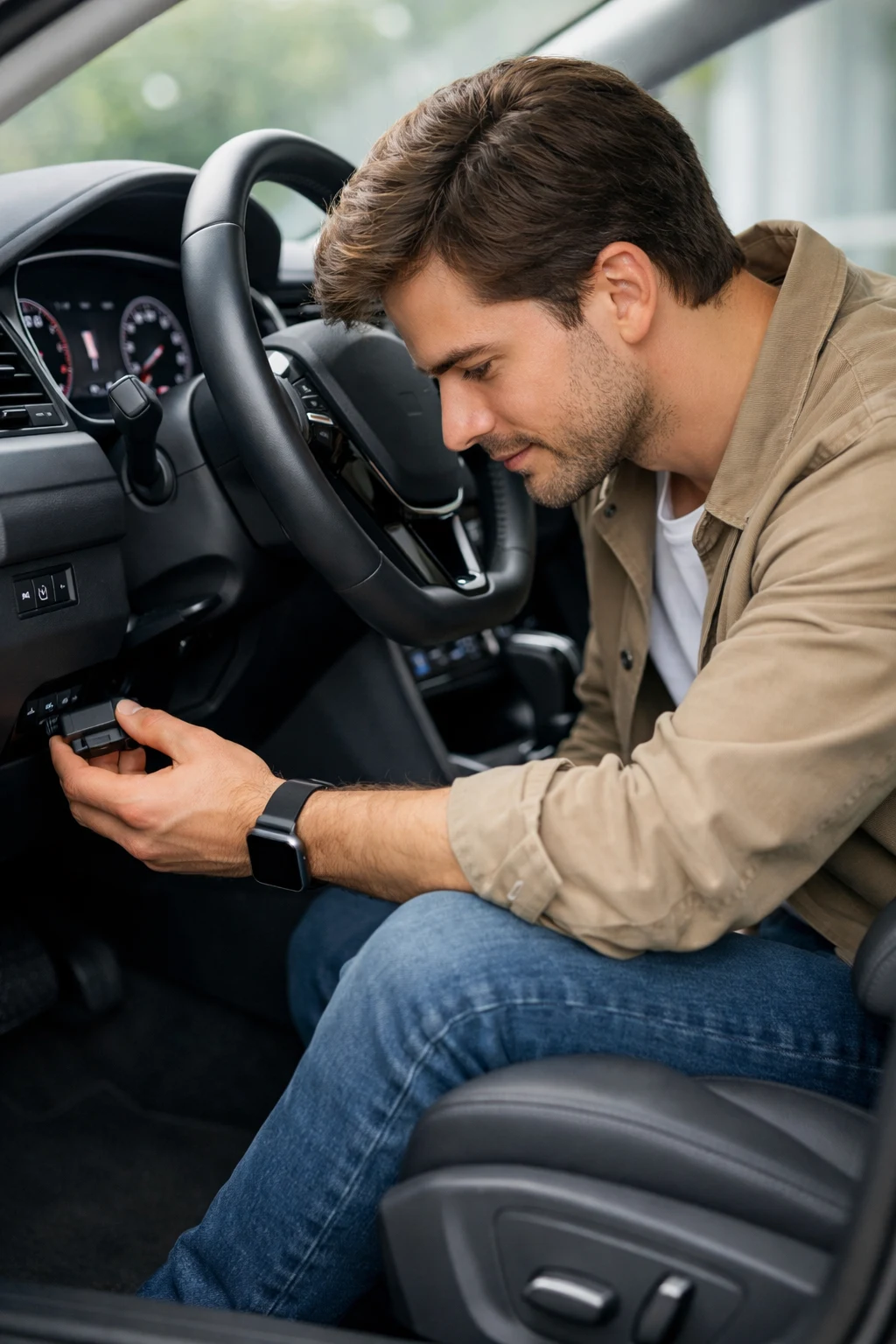
Check your vehicle manual to locate the OBD2 port, often below the dashboard.
While parked, follow your adapter’s instructions and the connection steps in Car AI.
Check the connection, latest update and available data for your setup.
STRAIGHTFORWARD ANSWERS.
The essentials for getting to know Car AI.
Connected diagnostics and data sent by your car require a compatible OBD2 adapter. Capabilities also depend on your vehicle and phone. Check the Compatibility page before choosing your equipment.
No. You also need to check the protocols supported by your car, your adapter and your phone. Some information may remain unavailable even when the connection works.
Start with the latest update and available dashboard readings. Fuel information, battery data and systems accessible for diagnostics vary by vehicle. Missing data does not necessarily mean a fault.
YOUR NEW COPILOT