
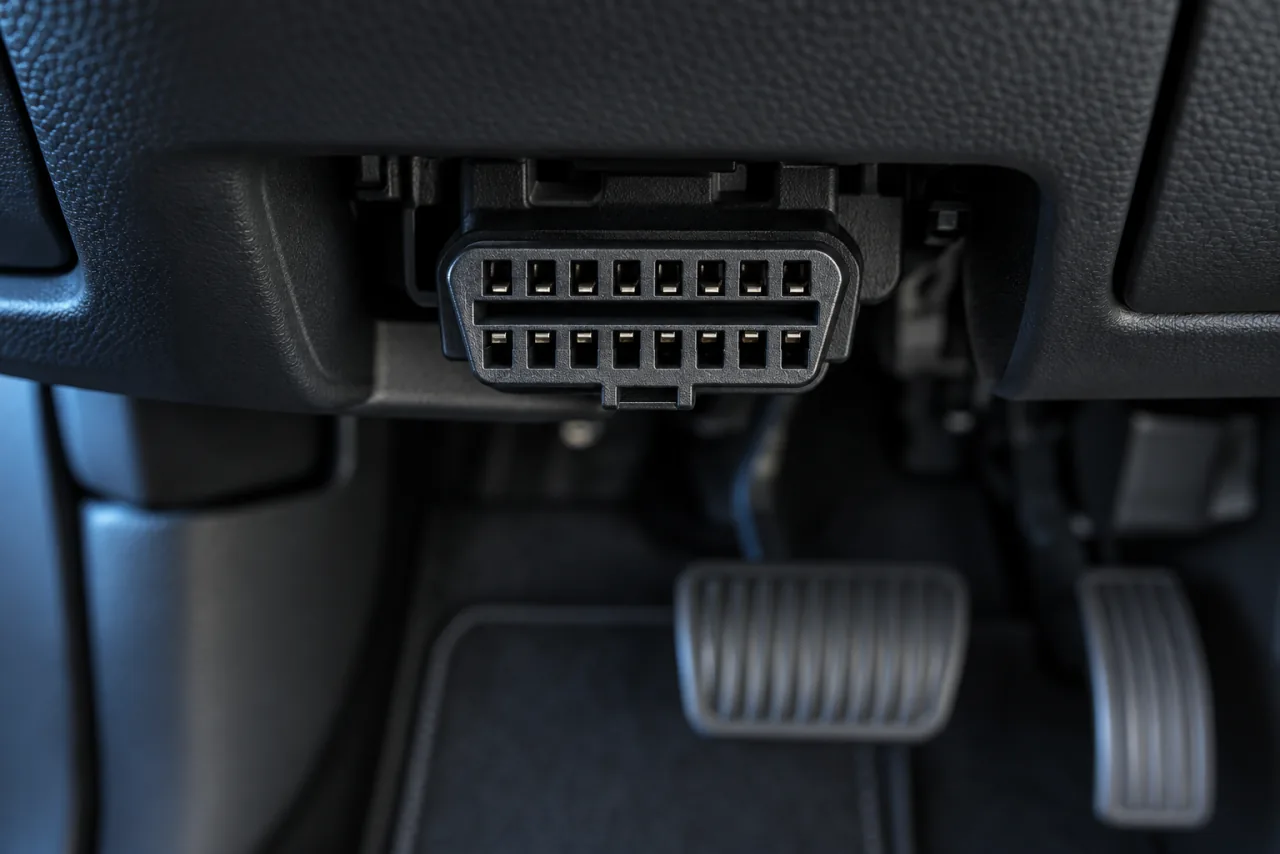
THE ESSENTIALS BEFORE YOU START
- Start below the steering wheel, then around the lower panels.
- A cover may hide the connector.
- Your vehicle manual is the reference for its exact location.
Where should you look first?
Park the vehicle and light up the lower dashboard area. Look below the steering column, near the fuse box and hood release. On some models, the port is in the center console.
- Use a flashlight to see without pulling on cables.
- Look for a flap or an OBD symbol.
- Only open covers designed to be accessible.
Where is it on each brand?
These pointers identify common locations. The year, generation and vehicle version may change the location: check the manual before removing trim.
Swipe the table to see all columns.
| Brand | Where to look | Good to know |
|---|---|---|
| Audi / Volkswagen | Below the dashboard, near the steering column. | A small cover may hide the connector. |
| BMW / Mini | Lower left dashboard, on the driver’s side. | Also look near the hood release. |
| Mercedes-Benz | Below the steering wheel or in the lower left panel. | The port may be purple. |
| Toyota / Lexus | Below the dashboard, to the left of the steering wheel. | It may be inside a small compartment. |
| Honda / Acura | Below the steering wheel, toward the edge of the center console. | Check the area around the fuse box. |
| Ford | Below the steering wheel or in the driver’s side trim. | On some vans, look near the brake pedal. |
| Chevrolet / GM | Below the dashboard, to the left of the column. | Look in the trim at knee height. |
| Hyundai / Kia | Lower dashboard on the driver’s side. | An OBD symbol may identify the cover to open. |
| Renault / Peugeot / Citroën | Center console or driver’s footwell. | A plastic flap may hide the port. |
| Nissan | Below the dashboard on the left, near the steering column support. | Look around the fuse box. |
10 brand groups displayed.
What about an electric vehicle?
Some electric vehicles, including certain Tesla models and years, require a specific interface or adapter. Do not infer compatibility from the shape of a connector: check the equipment and vehicle documentation.
You found the port. What next?
Align the adapter correctly, do not force it and follow its instructions. Check that it does not interfere with the pedals or your driving position. Then open Car AI to continue connecting.
Is a 16-pin port enough?
No. The connector’s shape helps identify it but does not establish which protocols or data the vehicle supports. Find its location in your model’s manual, then check the adapter and its iOS connection before buying. Do not use a differently shaped adapter without documentation for that vehicle.
Find this information in the app.
Continue to adapter setup